ESP Lagging / Low FPS / Unsmooth Overlay

CS2 External article

Products

CS2 External

Getting started

Error messages or other issues

ESP Lagging / Low FPS / Unsmooth Overlay

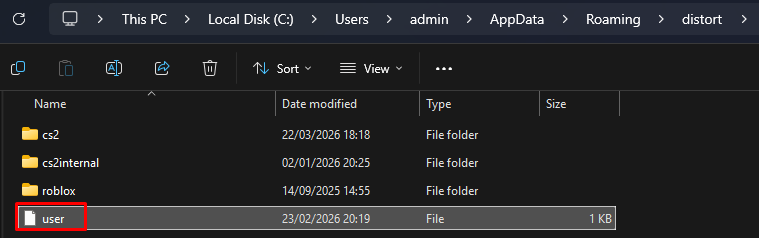
Distort is fully external and uses your CPU to draw the overlay on your screen. This can be intensive, especially for older machines. To improve performance, do the following:

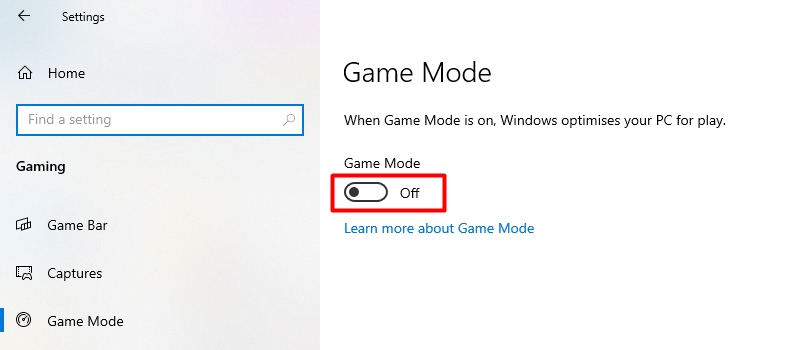
  1. Go to windows settings → select gaming → select game mode → disable "Game Mode"

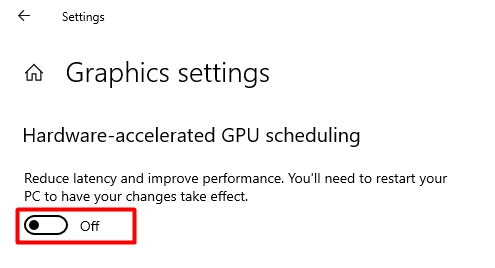
  1. Go to windows settings → select system → select display → select graphics settings → disable "Hardware-Accelererated GPU scheduling"

  1. You must restart your computer.

If the above solutions do not work, you can try limiting your FPS in CS2 with the "fps_max" console command. Set fps_max to be slightly above your average fps. For Example: if you normally get 200fps, then set fps_max to 210